Creating a new admin user in WordPress is easy when you know how! In this post we will show you in easy step-by-step instructions how to add a new admin user to a WordPress website.
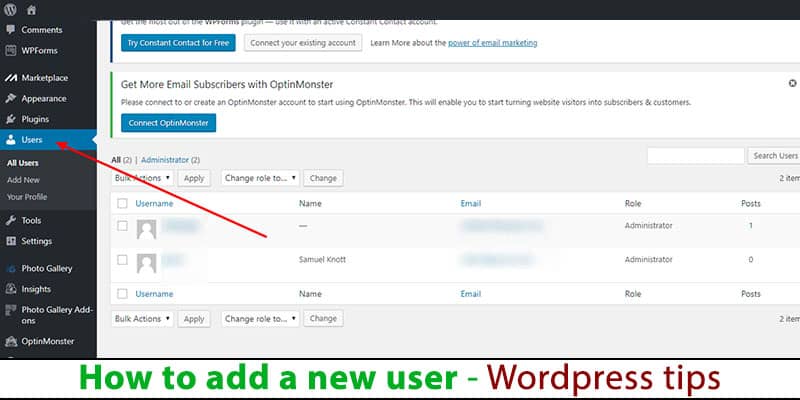
How to add a new admin user to a WordPress website
I will create a simple step-by-step guide first as simple text. However, I will provide screenshots too lower down in the post if you need a visual reference.
- Log in to your WordPress dashboard
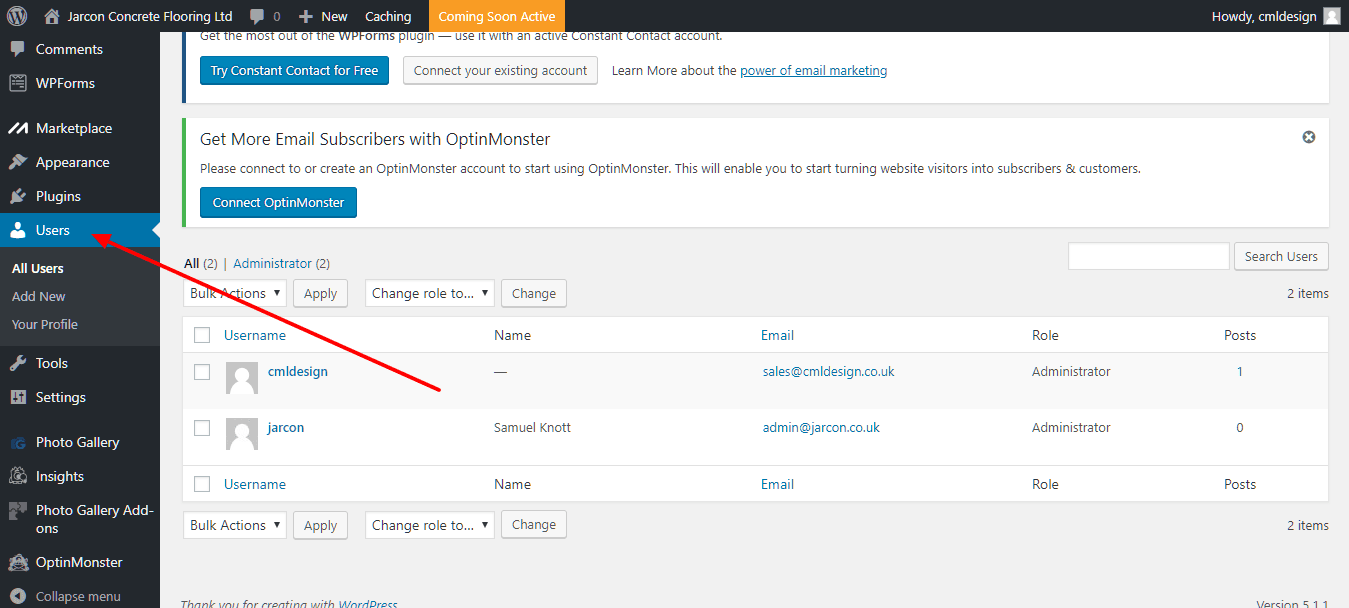
- Navigate to Users > Add New (in the side menu)
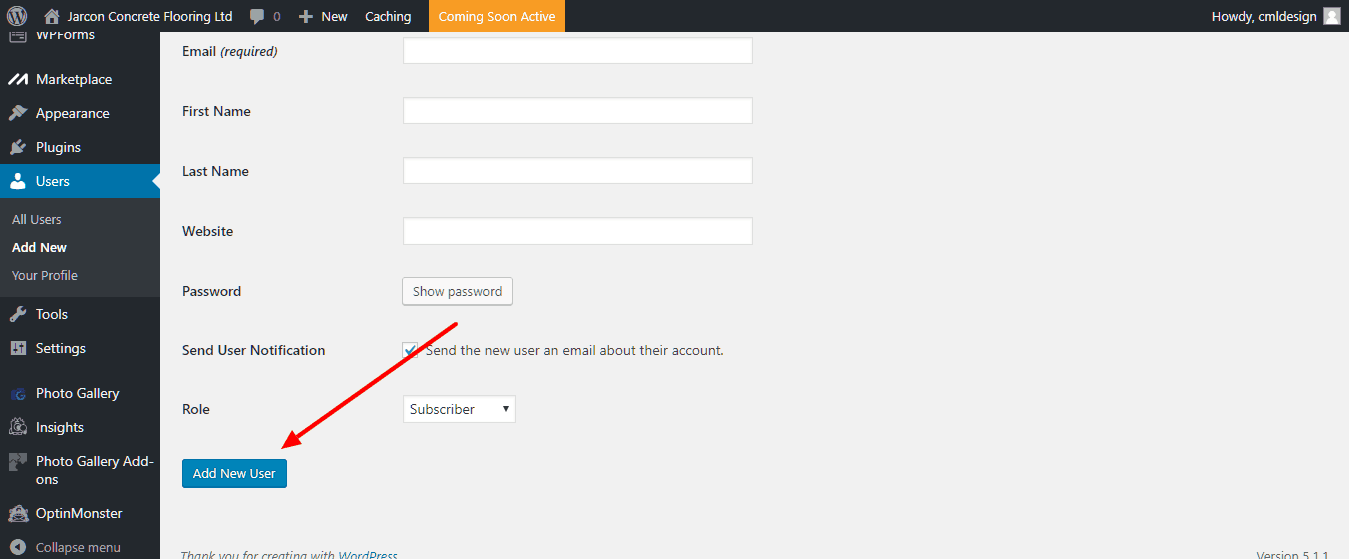
- Enter the details for the new admin user
- Change the password (optional by clicking “show password”)
- Click the Add New User button
DONE!
How to add a new admin user to a WordPress website – screenshots
It’s really easy to grant access to others and you can edit/remove access in future if you need. If you want to view a screenshot to help understand how to add a new admin user to a WordPress website please see below: