


Step 1: Sign in to Google Analytics: https://analytics.google.com
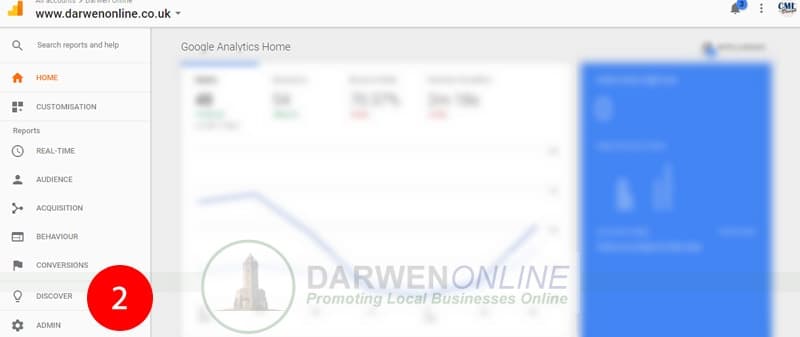
Step 2: Click on “Admin” for your chosen account
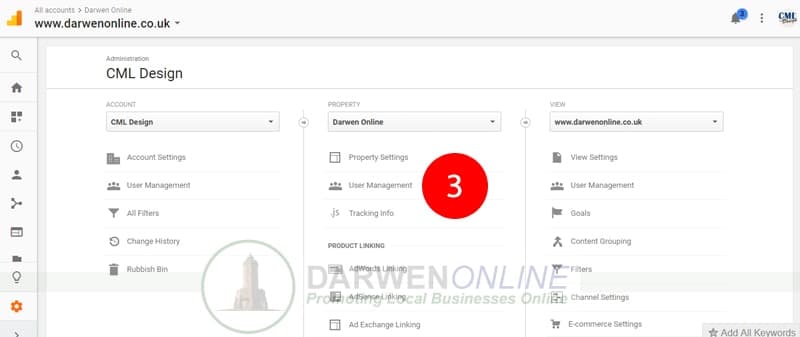
Step 3: From here select USER MANAGEMENT
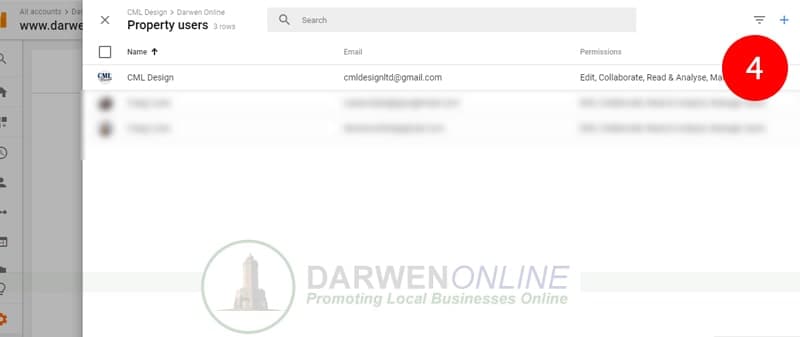
Step 4: Add a new user by clicking the + icon
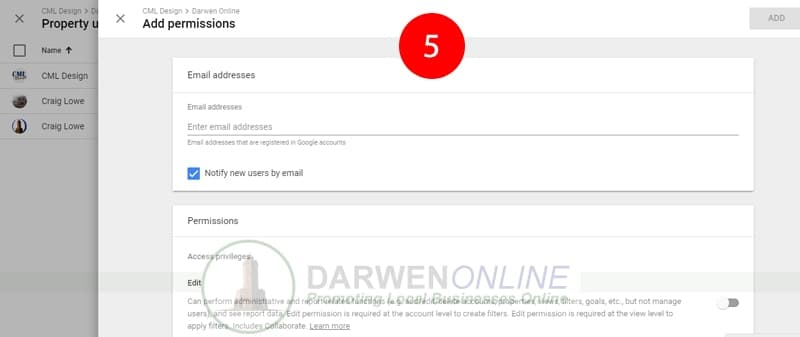
Step 5: Finally, enter the email address and set the permissions for the new user.


