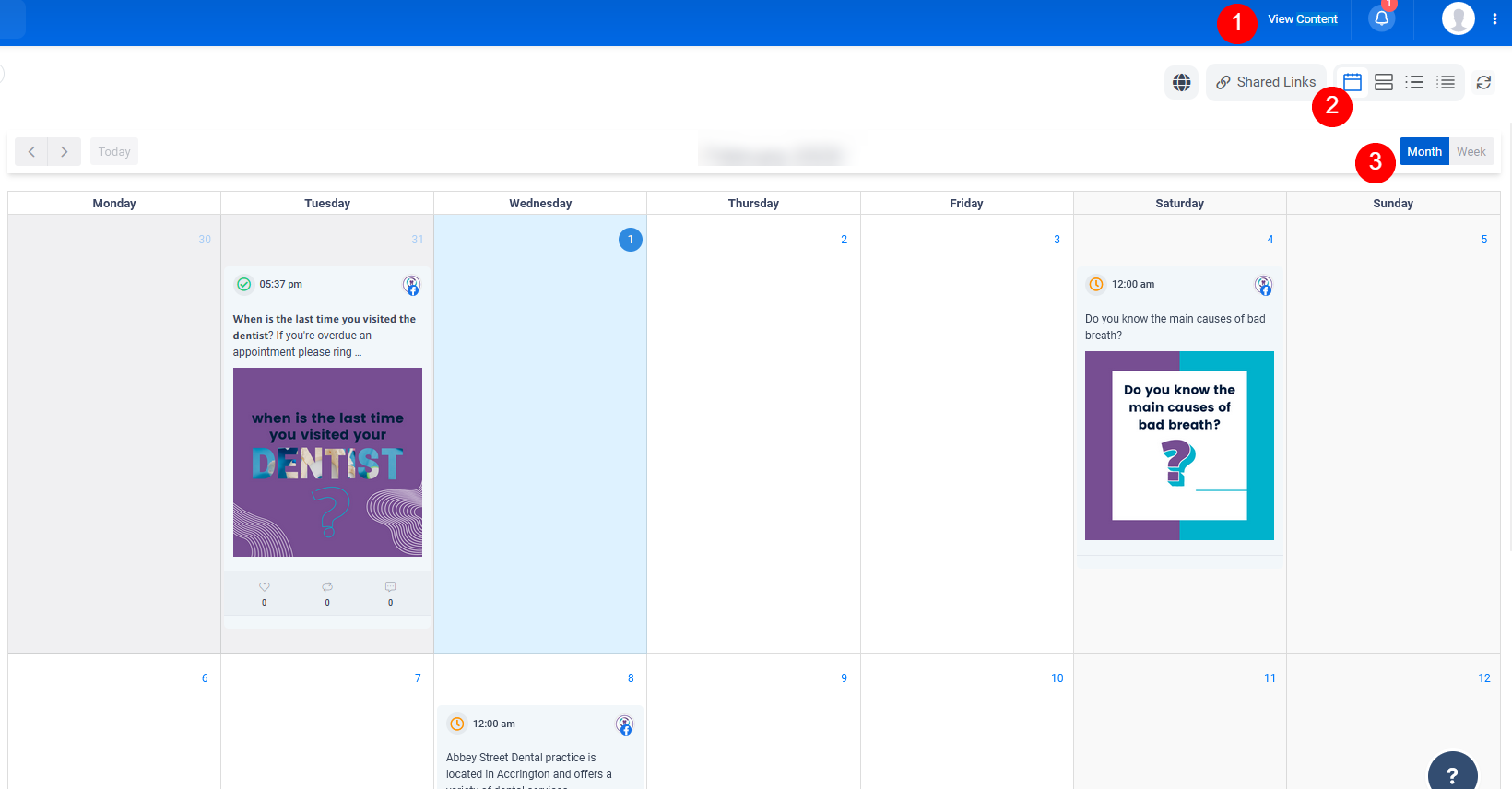
If you use CML Design to manage your social media we use software called ContentStudio to approve, schedule and analyse your posts. There is the advantage of a unified inbox too for you to view/reply to all your messages across the different social media platforms you use!
In this short guide we will introduce you to the software and provide instructions on how to get started.
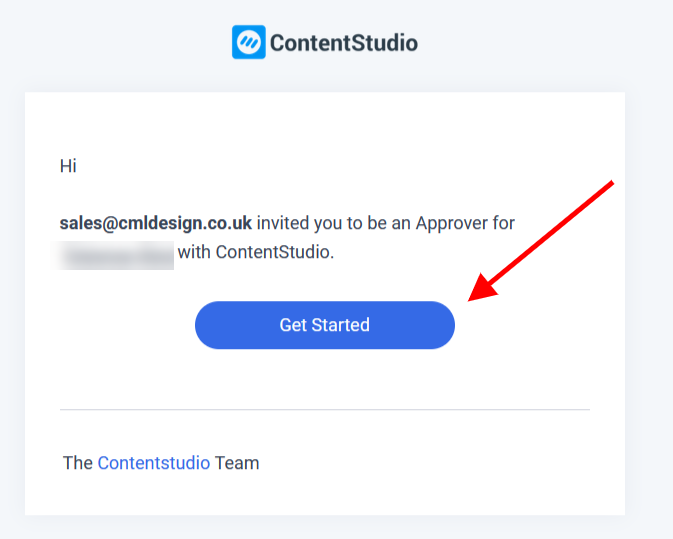
First, you will be invited to create an account by email
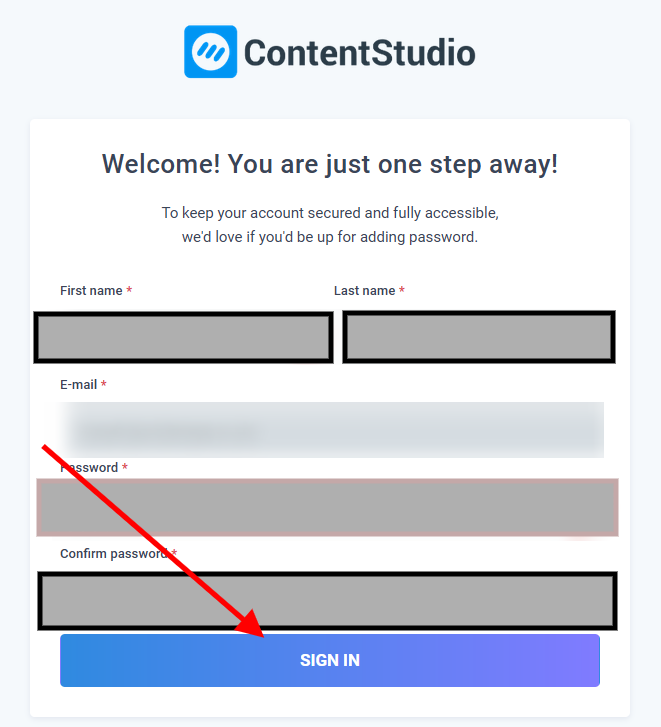
Continue creating your new account by providing your name for identification purposes and creating a password for the account.
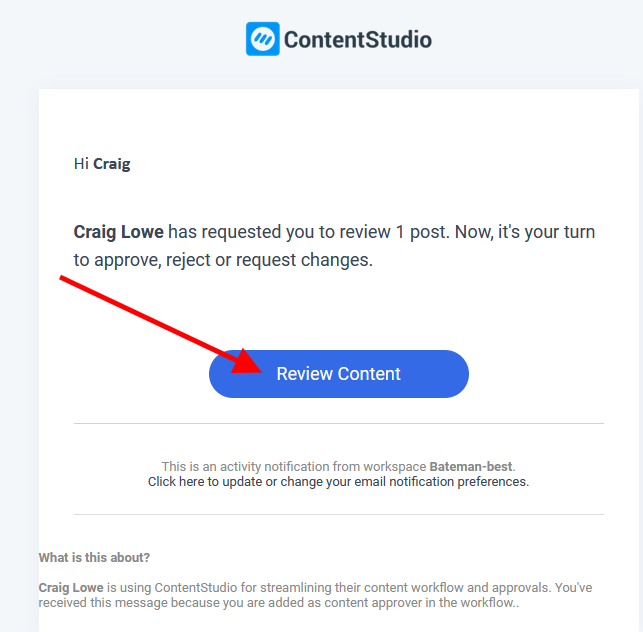
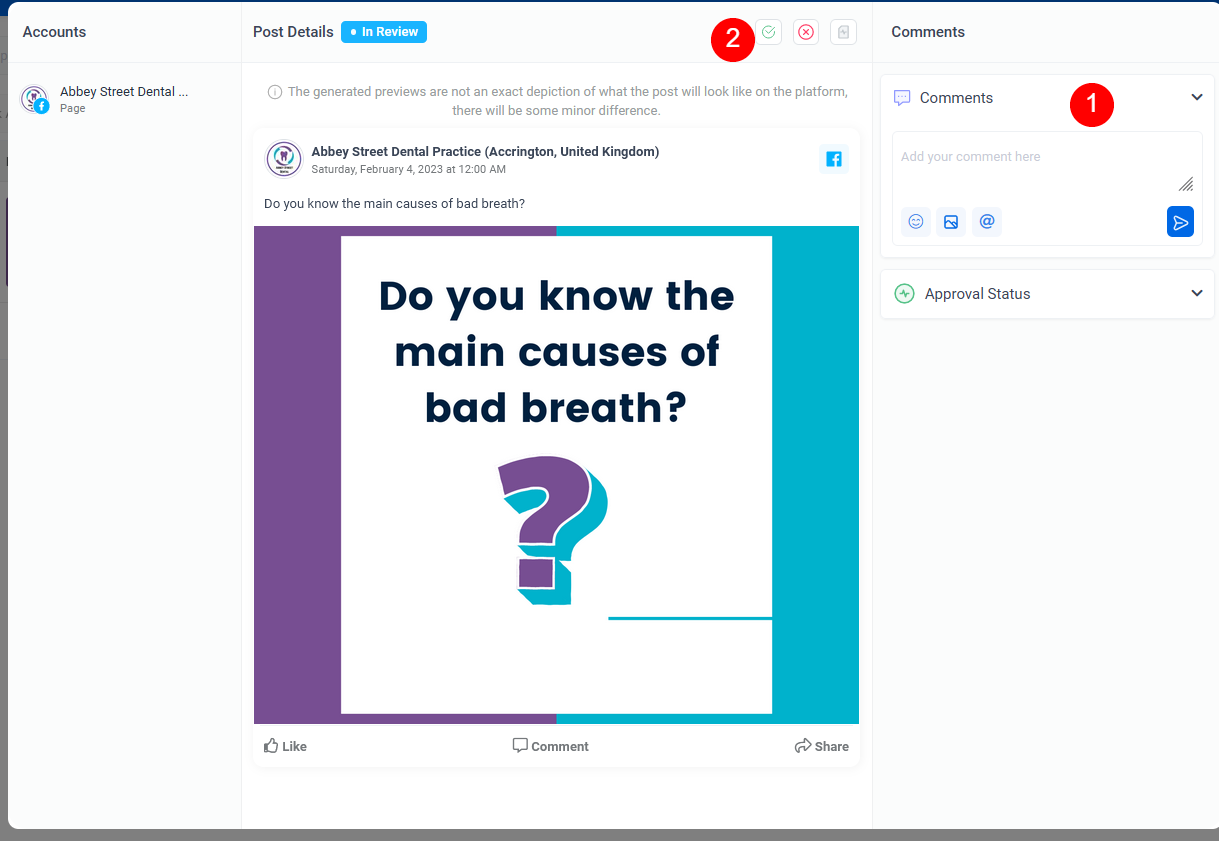
You then have the ability to view scheduled posts and approve them if needed. You will receive an email notification whenever a post needs your approval:
You can add comments (1) before approving the post if you wish to do so (2)

For help publishing social posts please view this video:
For more of an overview of the whole software view this video instead:
Using the inbox: Blog Post

You can view ALL past and scheduled posts by clicking this link: