

Ever needed to share your screen with someone else so they can see your desktop? You can achieve just that with Facebook and Google Chrome and we will show you how in this blog post.
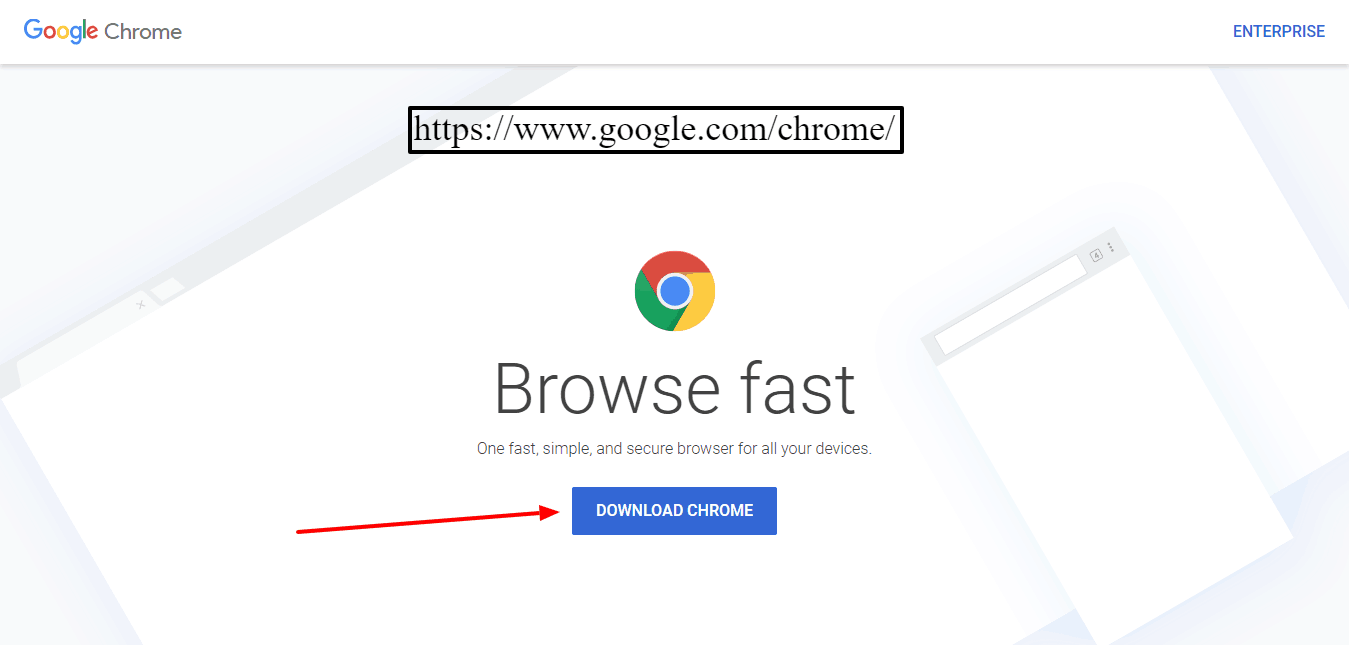 If you don’t have Google Chrome yet your first step would be to download and install it via https://www.google.com/chrome/
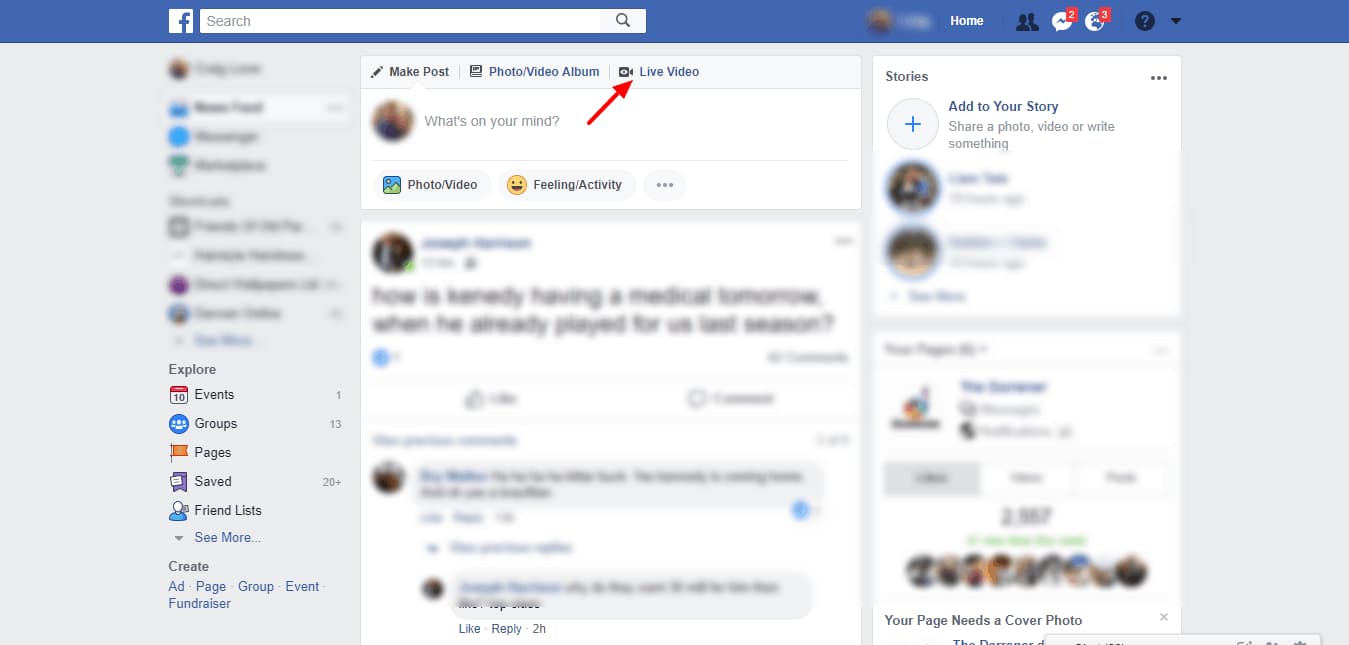
Once you’ve downloaded and installed Chrome, open up Facebook from within the browser and choose to share a LIVE VIDEO from your profile page.
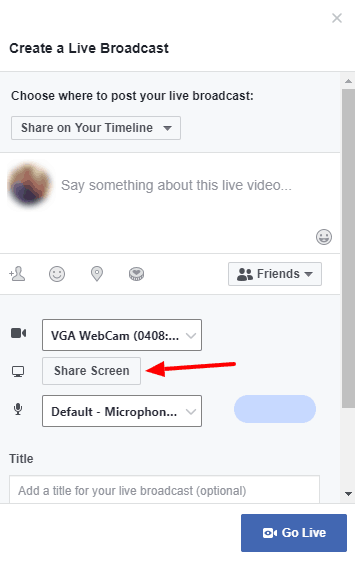
You will then be presented with an option to select what source you wish to share the video from – webcam or screen and where the audio will be picked up from. Choose to SHARE SCREEN then finally click the GO LIVE button to begin your broadcast.


