

In this blog post I will talk about the advantages of scheduling social media posts and talk you through one method of doing so by using us for your social media management.
It can take a lot of time to keep your business’s social media channels updated but a the same time having an active presence on the right platforms can boost your marketing efforts.
Expanding your followers can assist in swiftly increasing the visibility of your brand. It also enables you to raise the profile of any new products or services you offer and advertise any promotions you may be running (for FREE).
Ultimately being active on social media = more customers!
Scheduling your posts in advance can help you save time whilst still remaining active. There are various methods of scheduling posts but whichever method you use these are the main advantages of scheduling social media posts:
- Increased Efficiency: Scheduling social media posts helps to save time and energy by allowing you to plan ahead and schedule multiple posts in one go. This eliminates the need for manual posting, which can be time-consuming and tedious.
- Improved Reach: Scheduling social media posts allows you to reach a wider audience by enabling you to post at optimal times when more people are online. This increases the chances of your content being seen and shared, leading to greater engagement with your brand or message.
- Consistency: Scheduling social media posts ensures that your content is posted regularly, helping to maintain an active presence on social media platforms and build relationships with followers over time.
- Automation: Scheduling social media posts allows you to automate certain tasks such as responding to comments or messages, freeing up more time for other activities such as creating new content or engaging with followers directly.
- Analytical Insights: Scheduling social media posts provides valuable insights into how well your content is performing, allowing you to make adjustments if needed and optimise future campaigns for better results.
If you use CML Design Web Services for your social media management we use a two-step process – APPROVAL and SCHEDULE.
Approval
We use a piece of software called QuickReview to review all content with you before we schedule a post. We will send a link to the schedule folder and we name each file with the proposed month and date first to allow you to sort them alphabetically by date eg [01-23] is 23rd January.
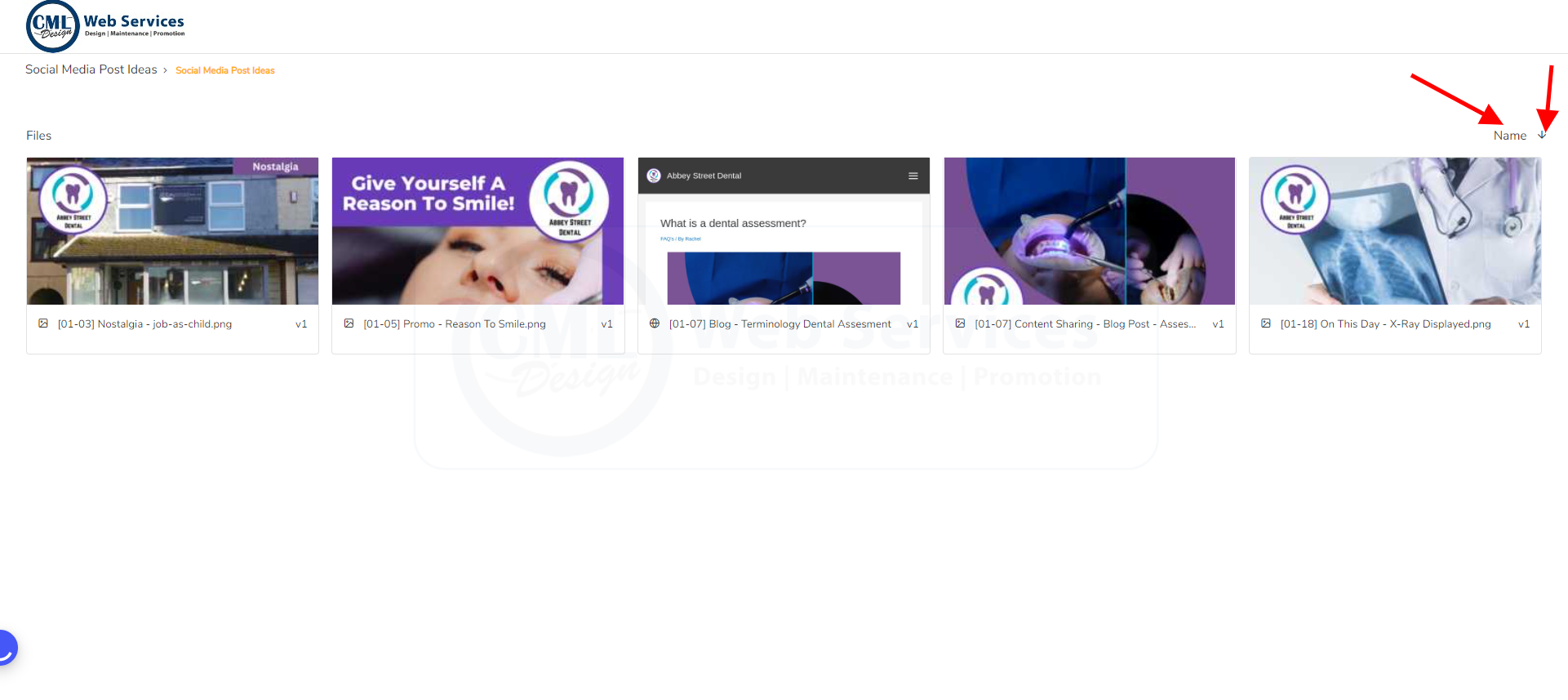
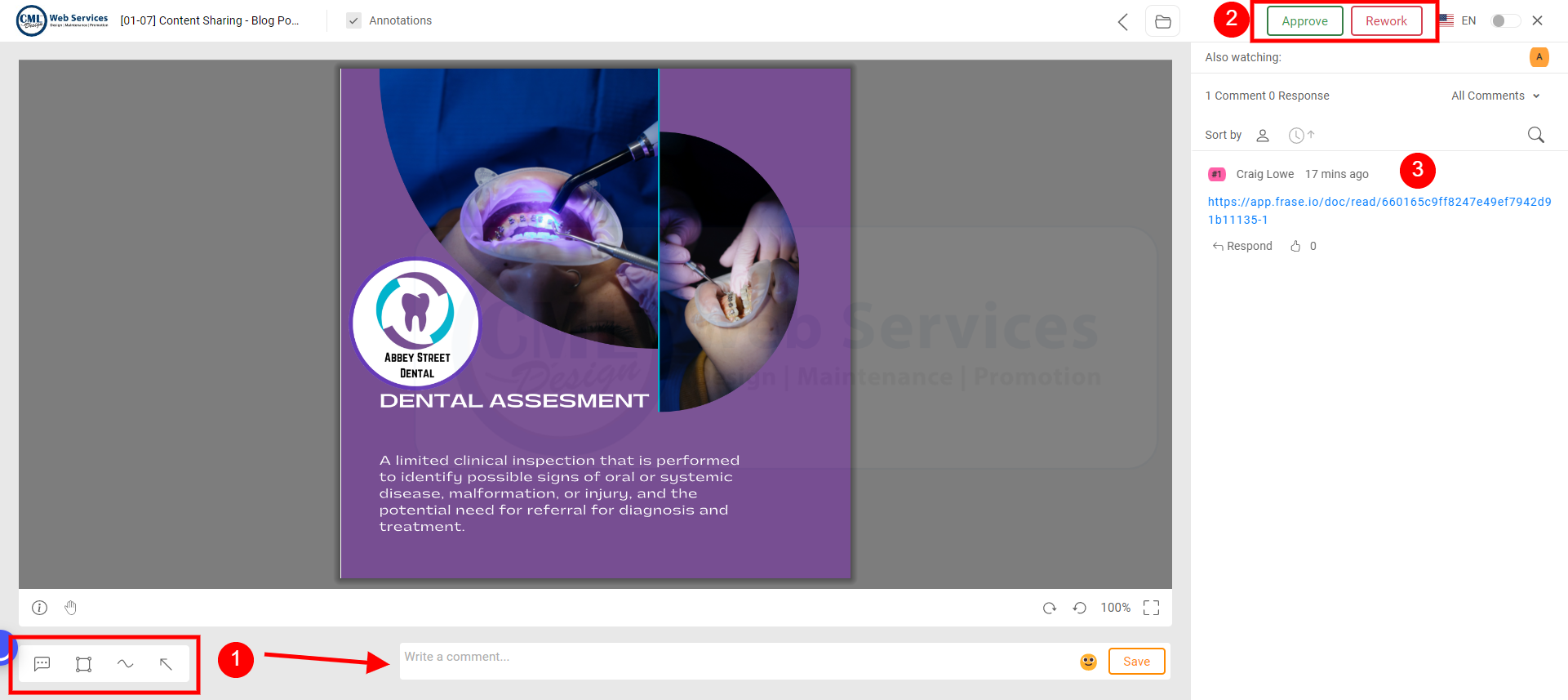
By hovering over the post you want to review you will see an “eye” symbol appear and clicking it will bring up the individual file review page similar to the screenshot below. If you’re happy with the suggested post press (2) APPROVE. However, if you would like some changes first please add a comment first (1) and you can use arrows/square etc to assist if required. Then press (2) Rework.
Previous comments for the file are displayed on the right hand side (3). Note: These comments may include important links to review other text related to the post idea.
Schedule
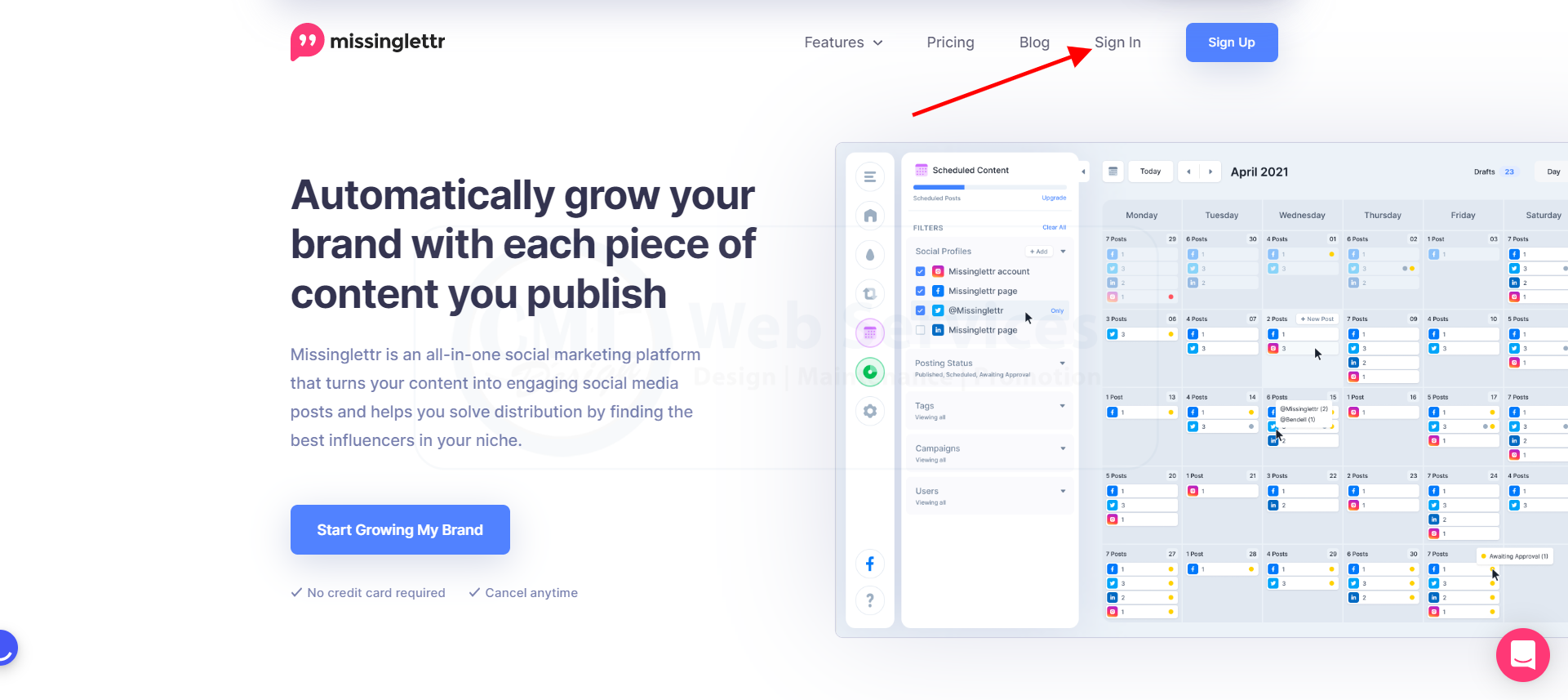
We use a different piece of software called MissingLettr for scheduling your posts
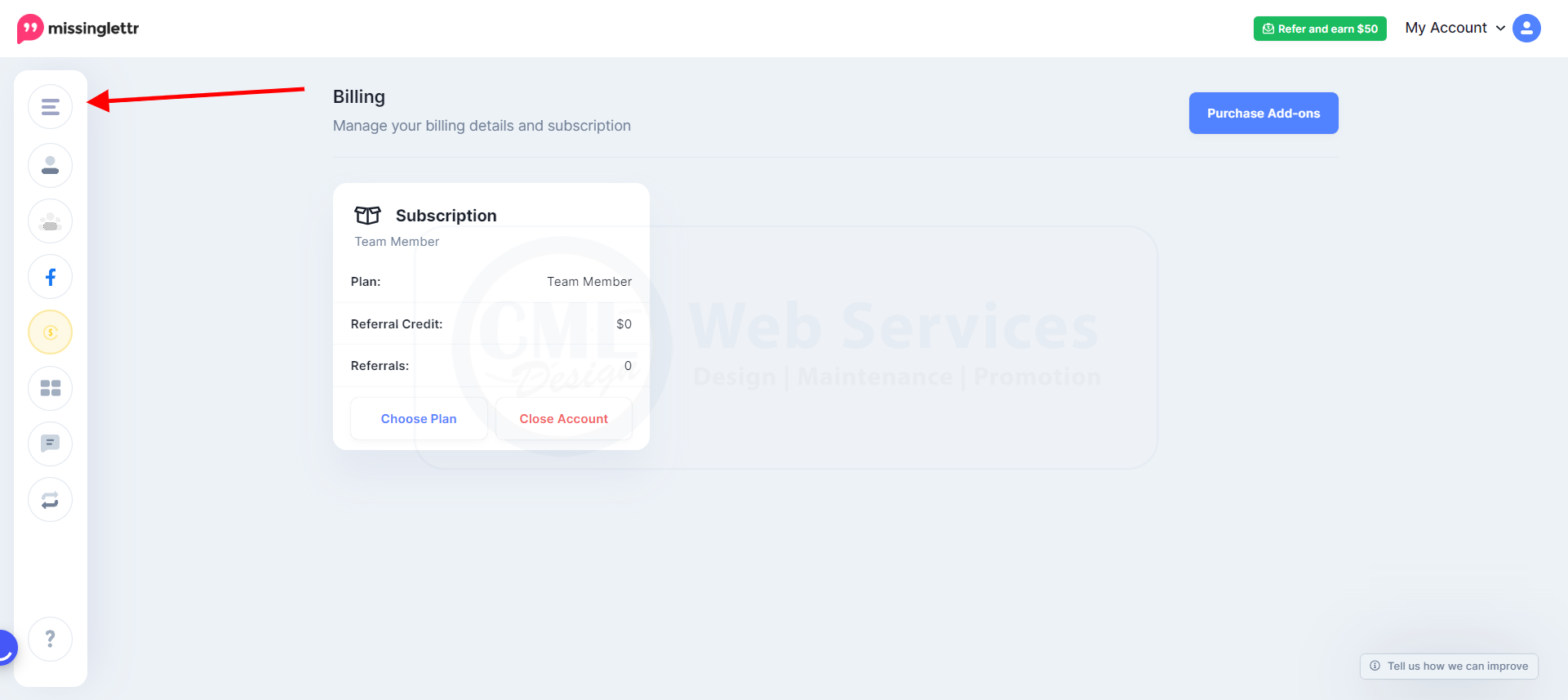
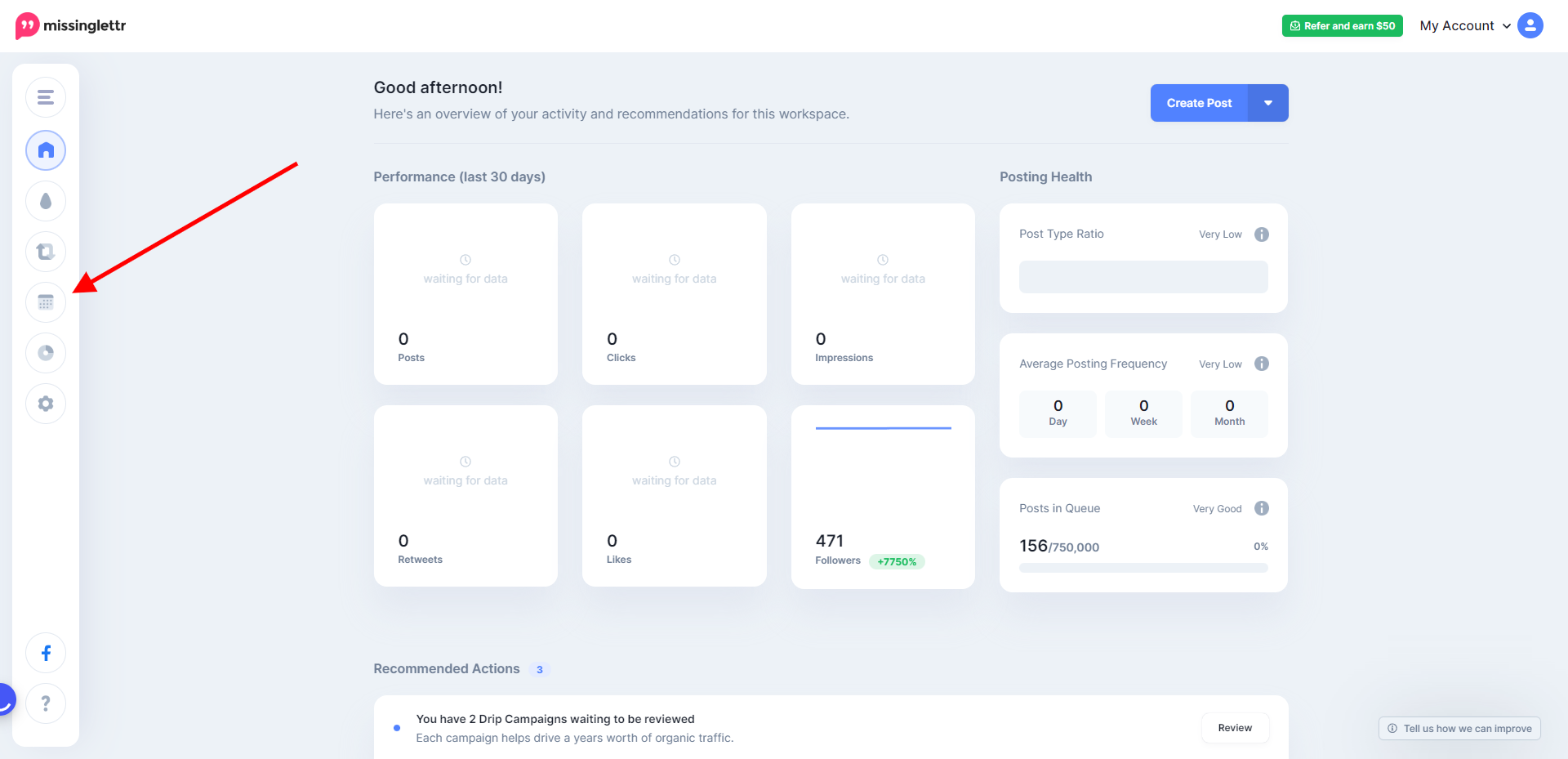
Choose the account you want to review (if you have access to multiple accounts) then choose the calendar view from there:
We will drop you an email with further information to allow you to get started.


