

When designing your widget, it is important to keep two main goals in mind.
- Ensure that visitors can easily locate it.
- Maintain consistency with your brand.
If customisation is desired for your widget to complement your website’s colour scheme or to enhance its visibility, consider the following options. Please note that the instructions below can only be completed from a browser or the tawk.to desktop apps. It is not possible to finish them using the tawk.to mobile application.
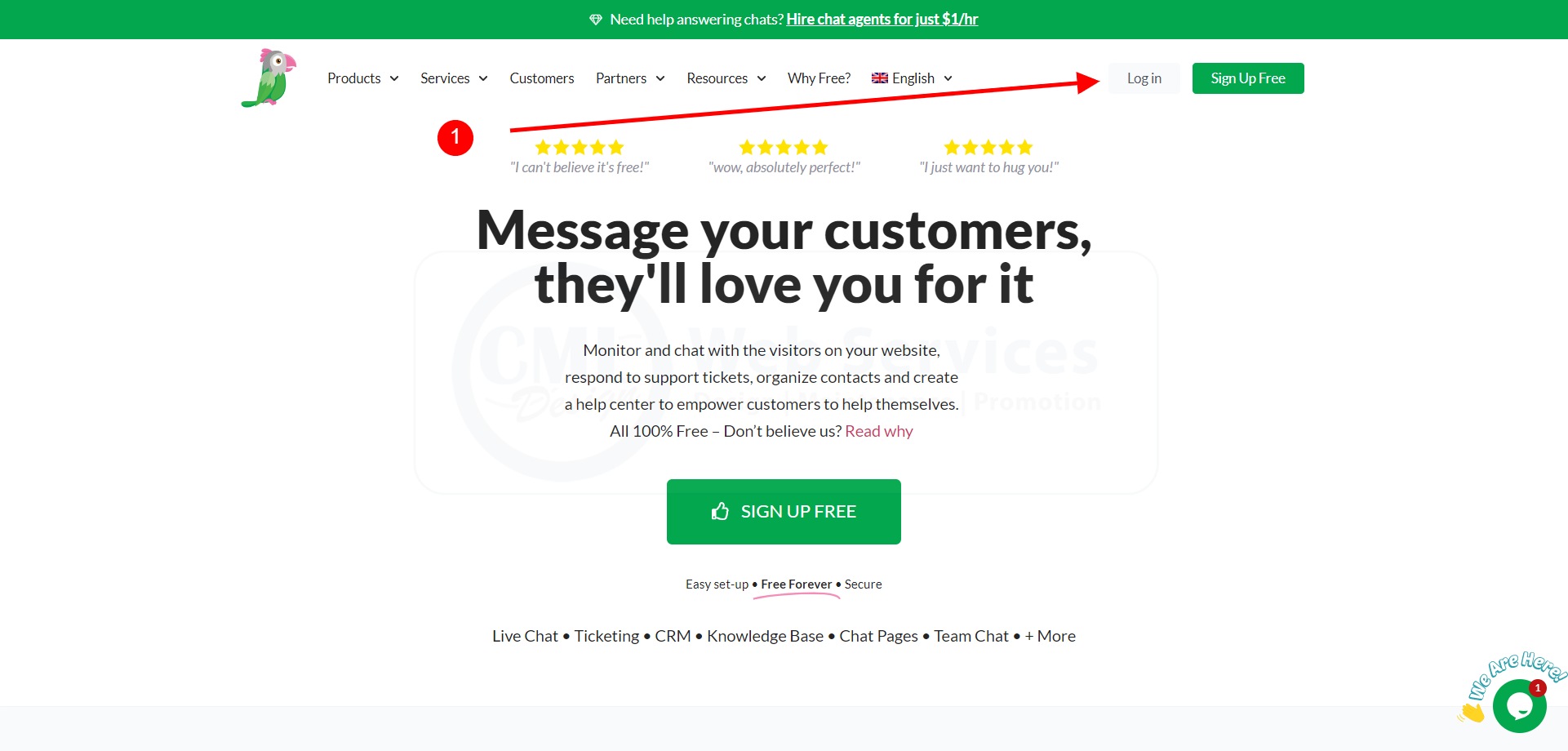
1 Visit the website (https://www.tawk.to) and proceed to login
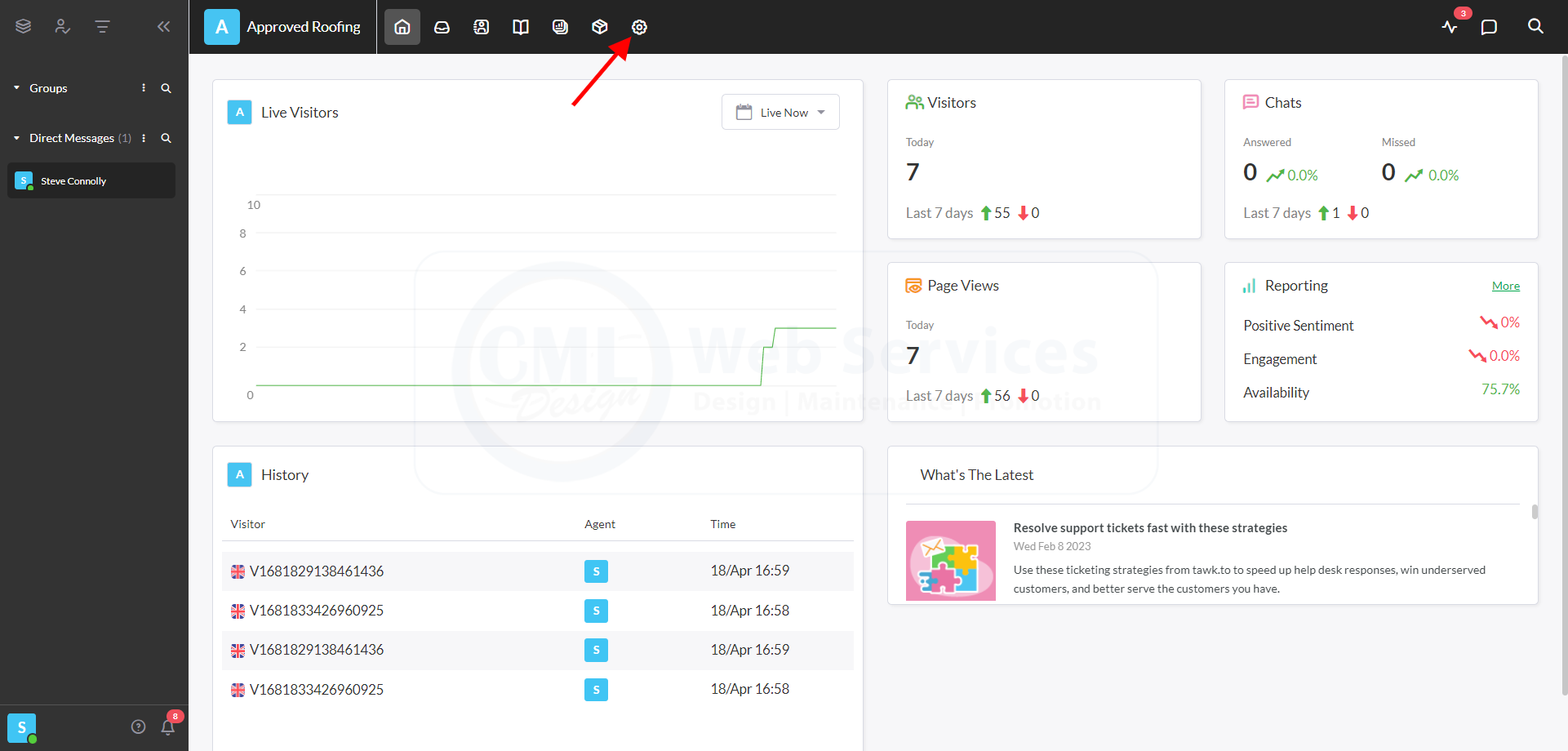
2. Navigate to the gear icon in the top navigation area.
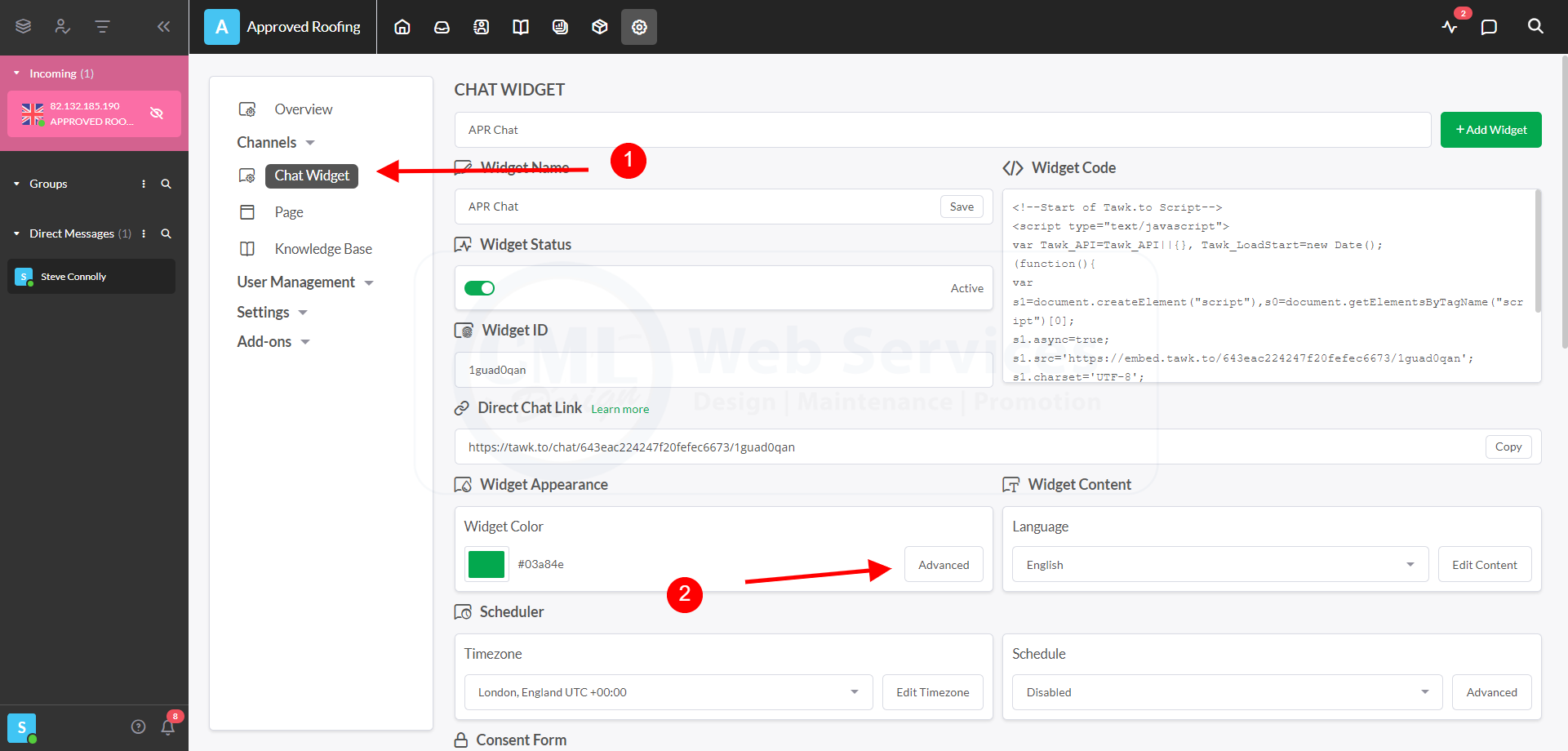
3. Navigate to the ADVANCED section for the WIDGET APPEARANCE
4 All the options to edit the widget are on the left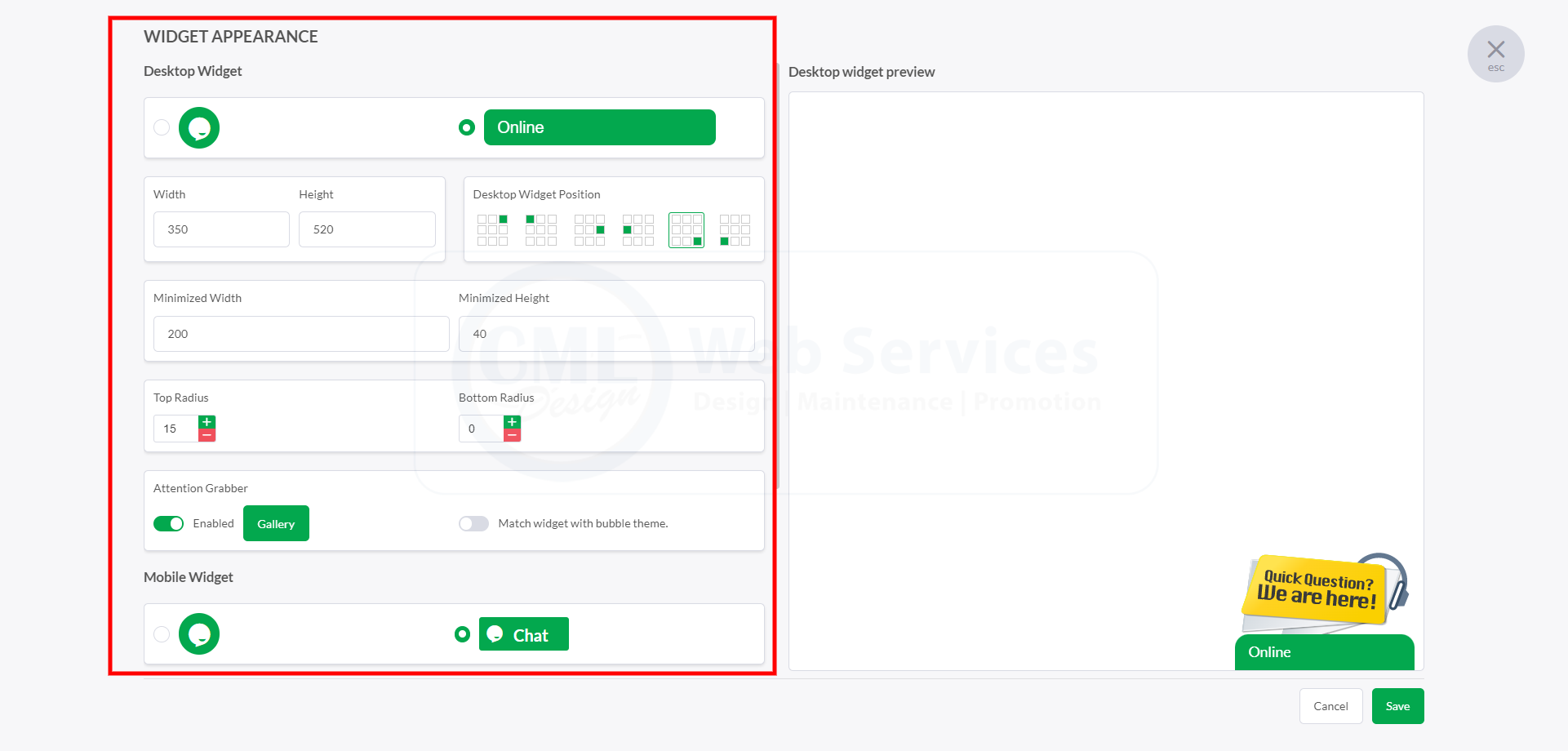
If you want to learn more about responding to chats or ensuring your notifications are set-up correctly please watch this video for help:


